Quizgecko can now turn your study material into an engaging, AI-generated educational podcast. It’s a great option for auditory learners — or anyone who wants to revise while commuting, exercising, or multitasking.
How it works
Quizgecko uses AI to analyze your content, pull out the key concepts, and present them in a natural, conversational format. Two virtual speakers talk through your material, helping you understand and remember it more easily.
To listen, open the Course you want and hit Play.
Create a new podcast (Web & App)
The steps are the same on web and mobile (iOS & Android):
- ClickGenerate.
- Add your content. Upload a document, paste text, enter a URL, or choose a topic. Quizgecko will generate a Course that can include multiple podcasts.
- Choose your preferred podcast length (5-10 minutes, 10-20 minutes, 20-30 minutes) and style (lecture, conversational, interview).
- HitPlay. In the podcast box, click Play to generate the podcast and start listening.
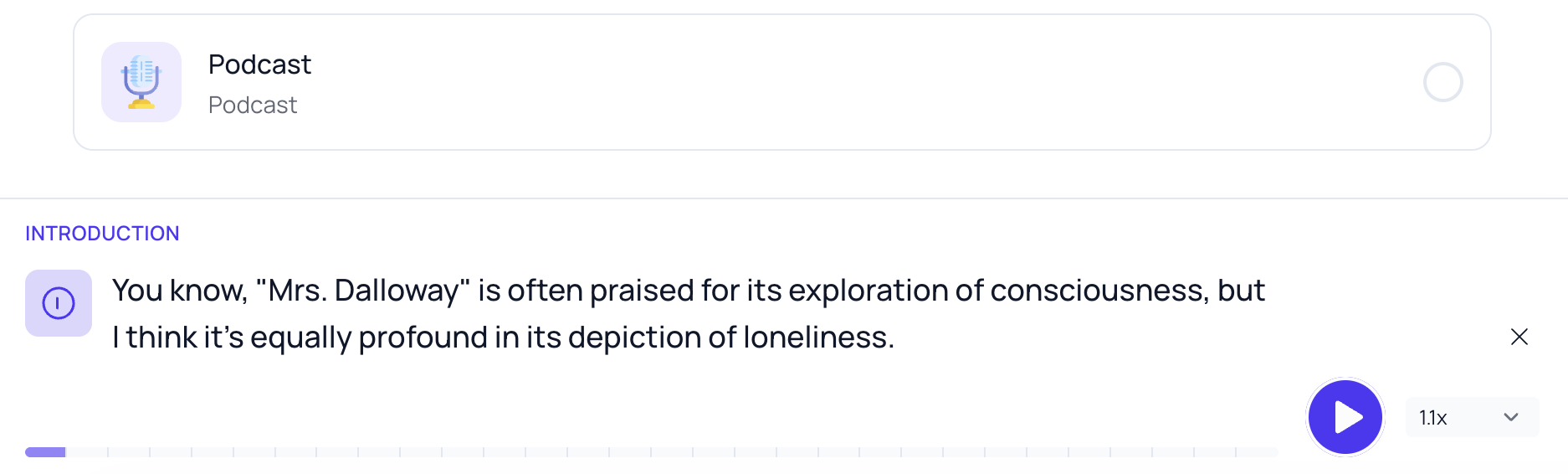
- Sit back and listen. Two knowledgeable speakers walk through your material in a clear, conversational style. You can choose to pause the podcast, or adjust the playback speed.
Using the Quizgecko app (iOS & Android)
On mobile, you can download Courses (including podcasts) for offline listening — ideal for commutes, flights, or anywhere without reliable internet.
To download:
- Open your Course in the app
- Tap the download icon
- Find your saved lessons anytime in your offline library
Podcast generation limits
Podcast allowances depend on your current plan. The product shows your remaining allowance, and the plans page has the current comparison.
Key features
- AI-generated podcasts based on your study material
- Available on web and mobile (iOS & Android)
- Offline listening in the mobile app
- Playback speed control
- Transcript view for following along or quick reference
- Background playback on mobile while using other apps
- Focuses on key points for easier retention
Ready to try it? Open your next Course, press Play, and let Quizgecko turn revision into something you’ll actually want to listen to.